Project — IoT smart-home app
MobileA calmer smart-home app.
Enhancing the interface of an IoT smart-home app — improving usability and visual appeal based on user feedback. Compare the screens before and after.
- Role
- UX Designer, Synectiks Inc.
- Product
- IoT smart-home app
- Platform
- Mobile
Before & after.
The same screens, original and redesigned. The redesign improved usability and visual appeal based on user feedback.
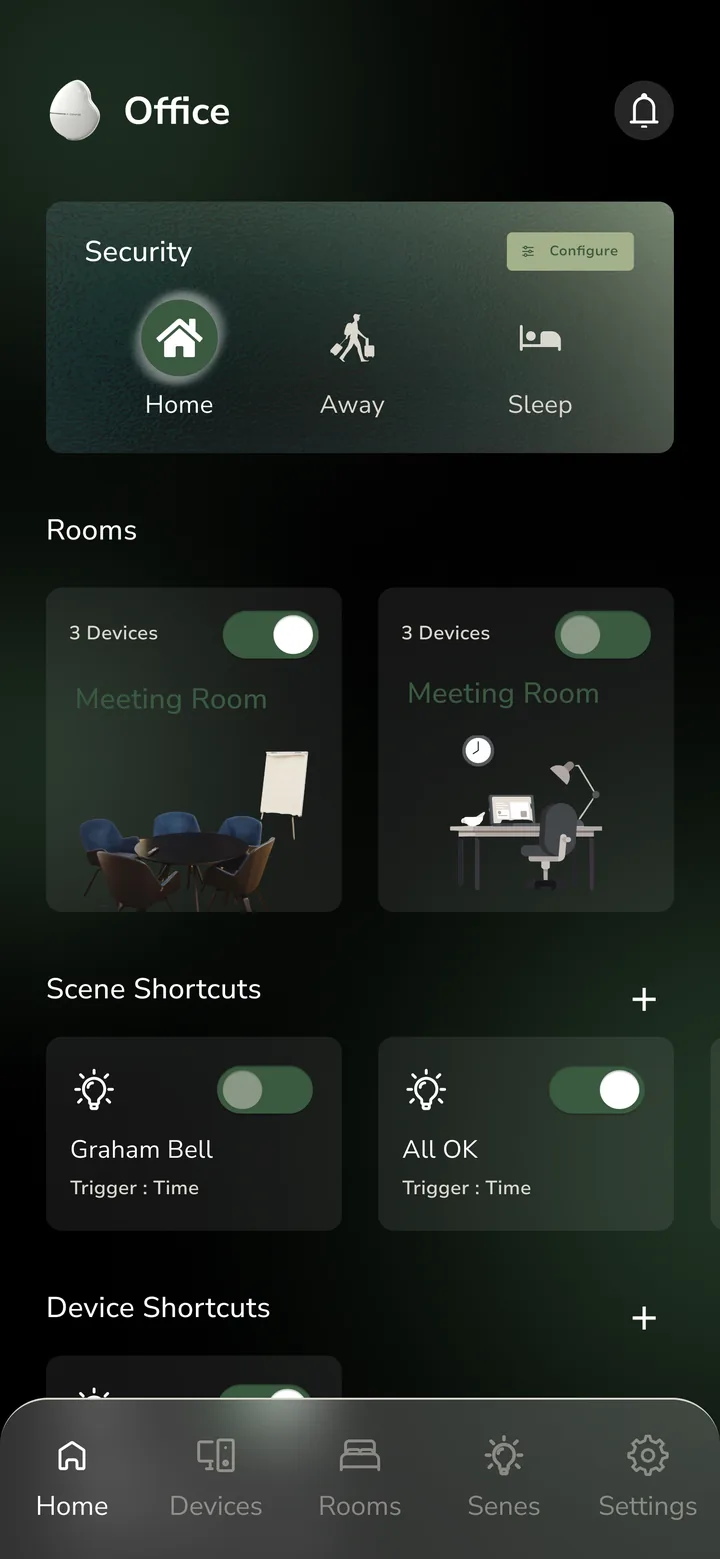
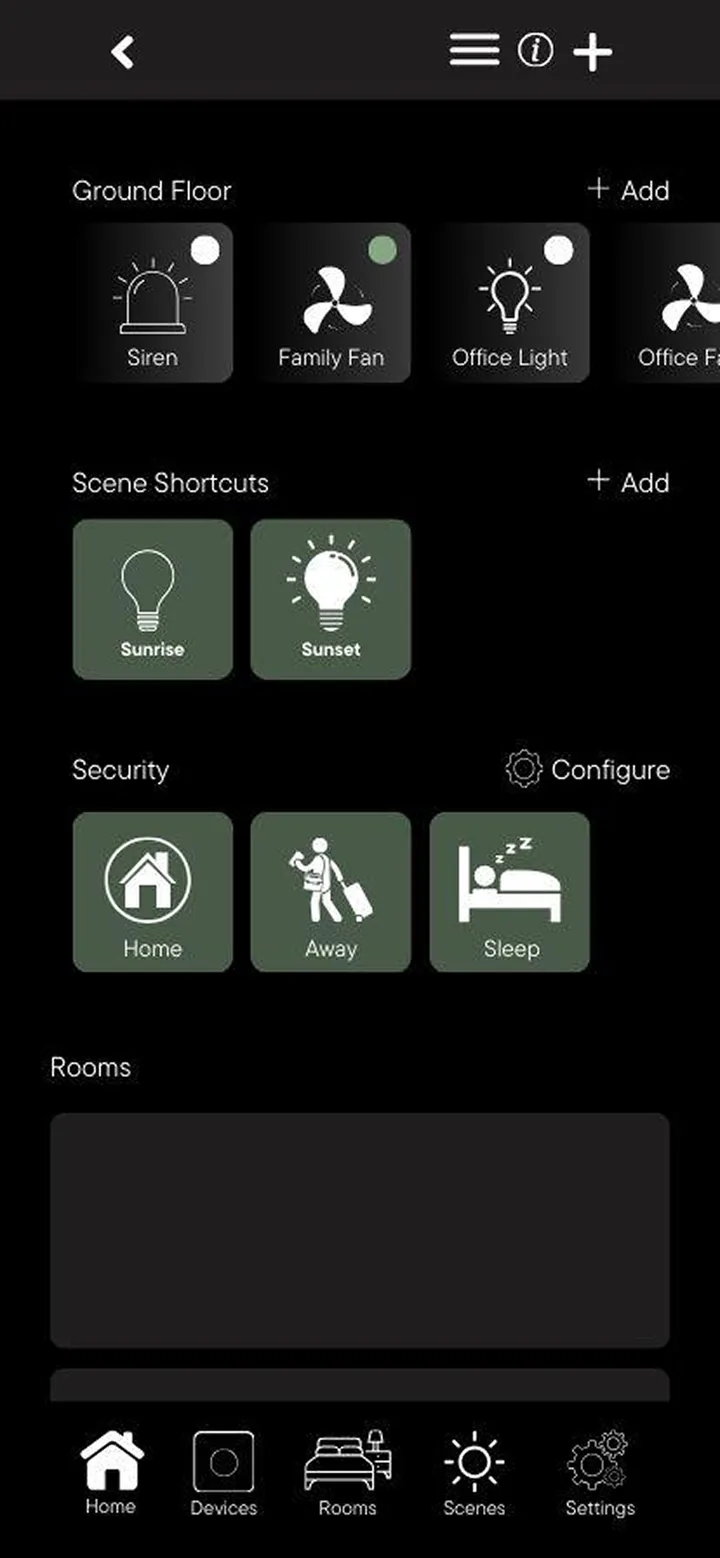
Drag across the phone to compare the original and the redesign.
What changed on screen
- 01
One security card
Home, Away and Sleep modes sit together in a single card at the top of Home.
- 02
Rooms you can recognise
Rooms became illustrated cards, each with a device count and its own on/off toggle.
- 03
Calmer device lists
Devices keep their status counters and tabs, now with a segmented control, icons and reachability under each name.
- 04
A floating tab bar
Navigation moved into a floating bar with a clear active state.
- 05
A guided start
New screens welcome you, create an account with a profile photo, and let you pick the gateway by its picture.
These describe differences visible in the screens above.
The redesigned flow
From the first screen to controlling a device. Scroll sideways.
- 01Welcome
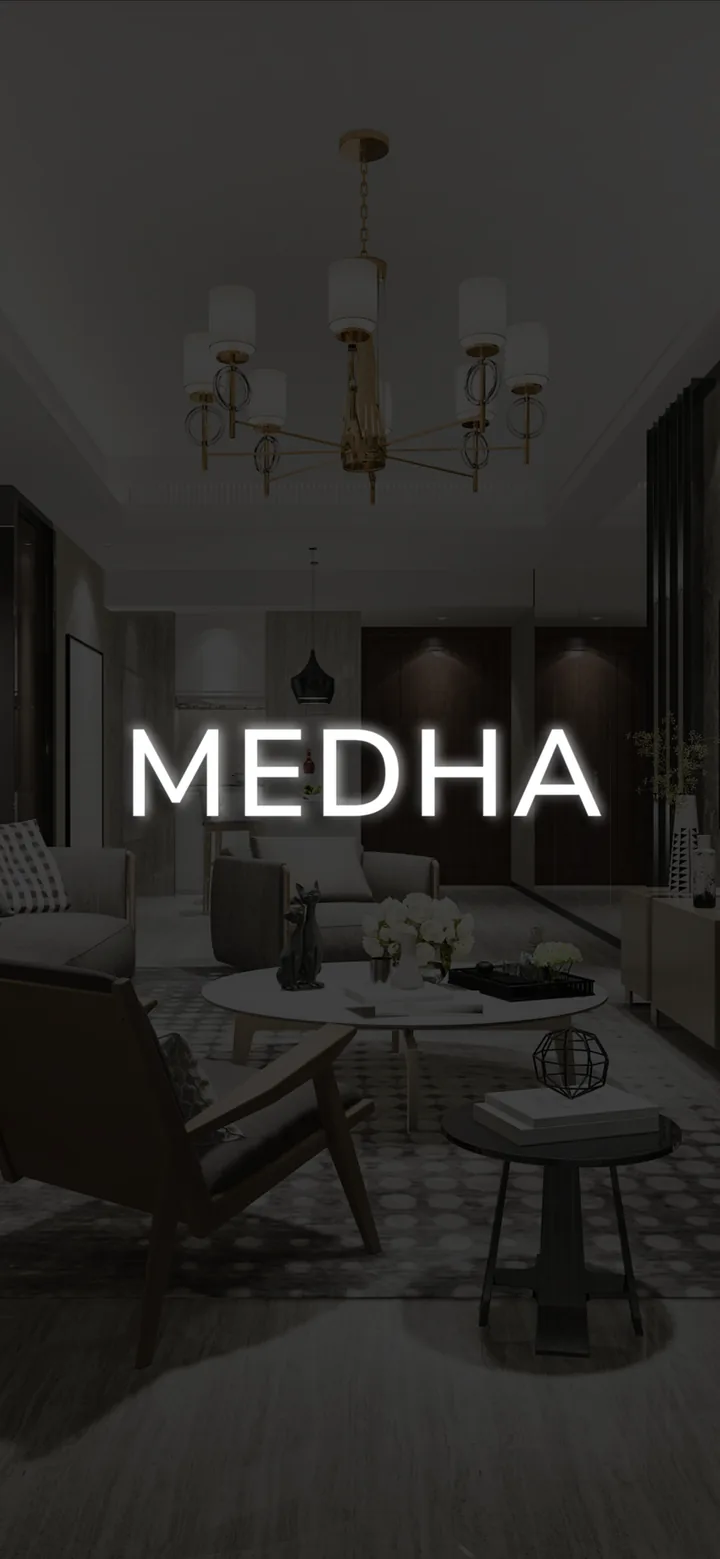 A welcome screen for the Medha gateway.
 - 02Create account
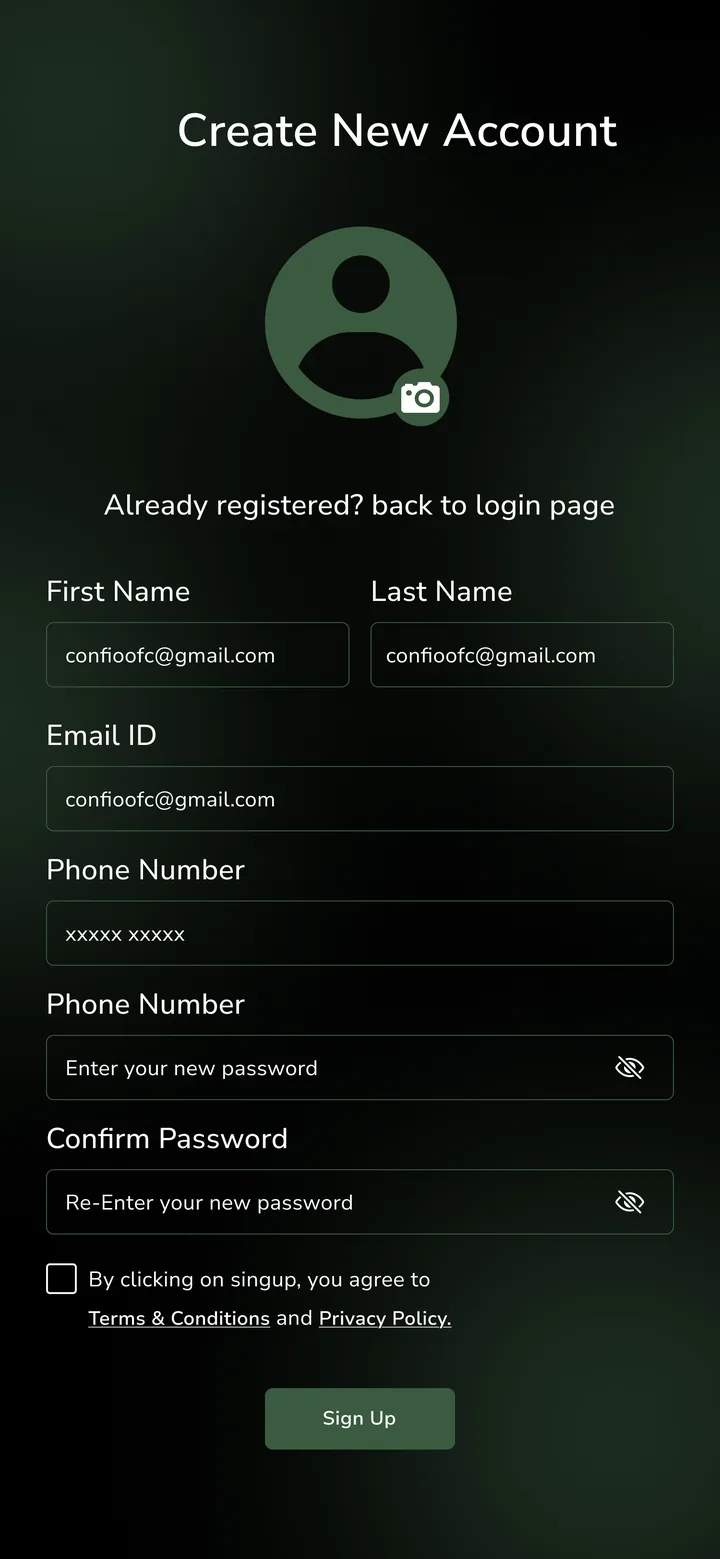 Account creation with a profile photo and grouped fields.
 - 03Select gateway
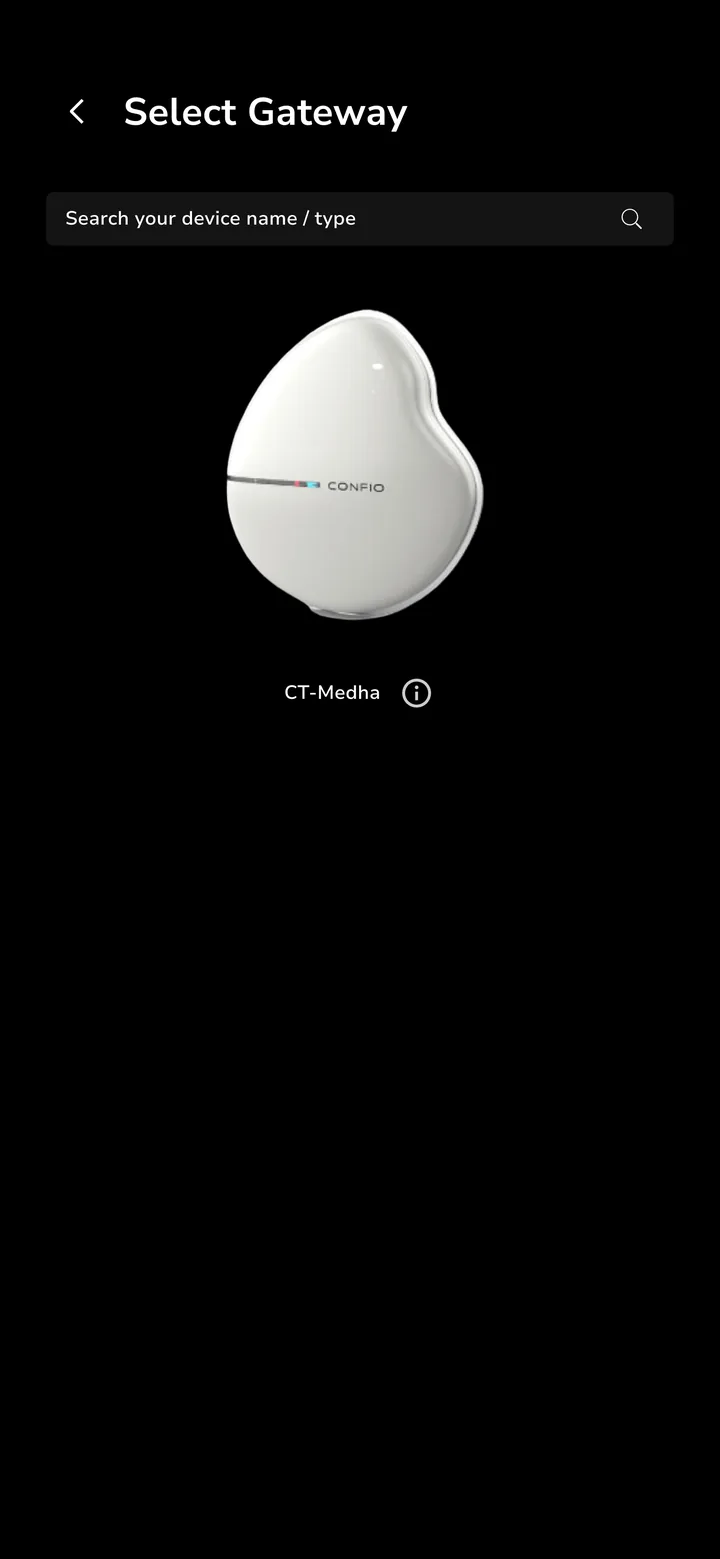 Choosing the gateway device, shown as a product image.
 - 04Home — afterSecurity modes, rooms and shortcuts in the redesigned home.
- 05Devices — after
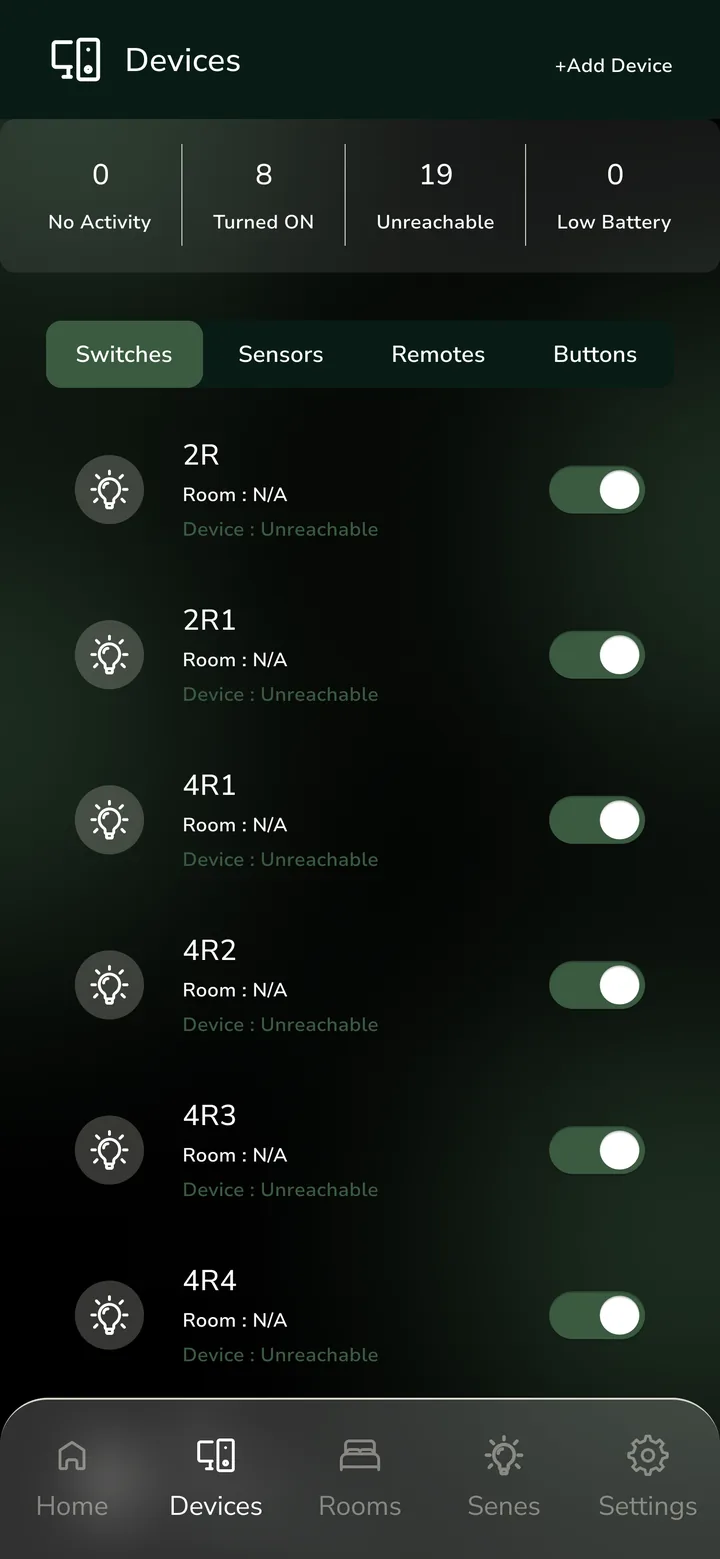 The redesigned devices screen.
Where it started
The original screens.
- Home — before
- Devices — before
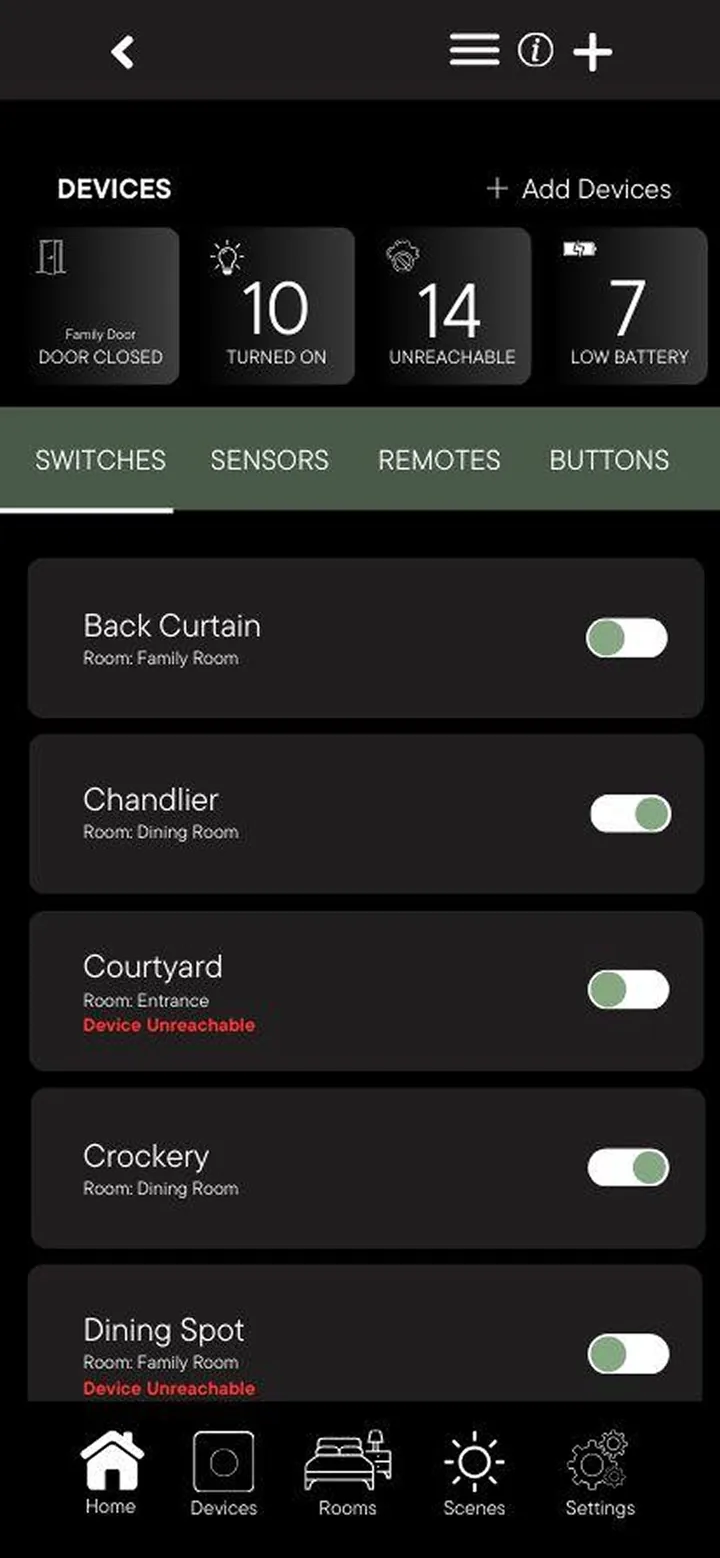
- Scenes — before
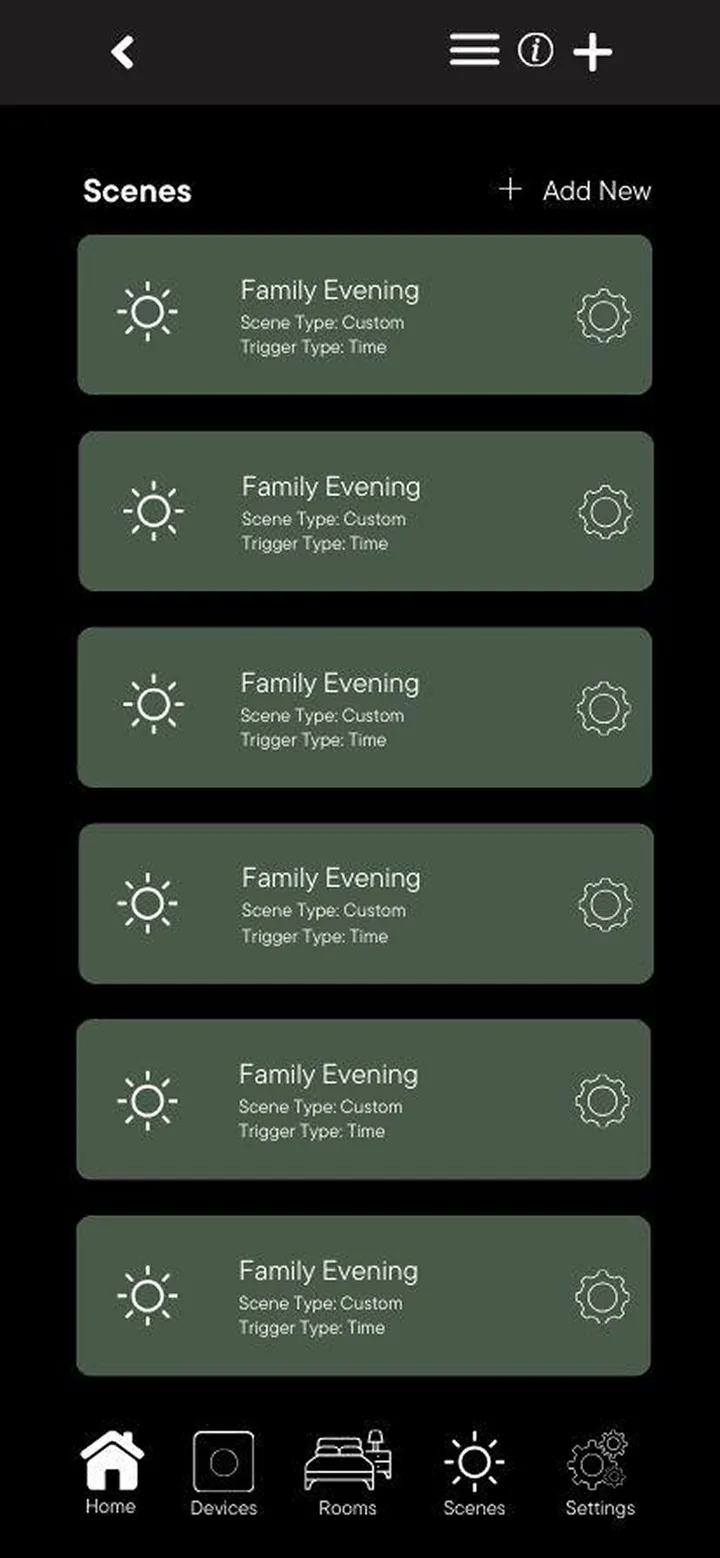
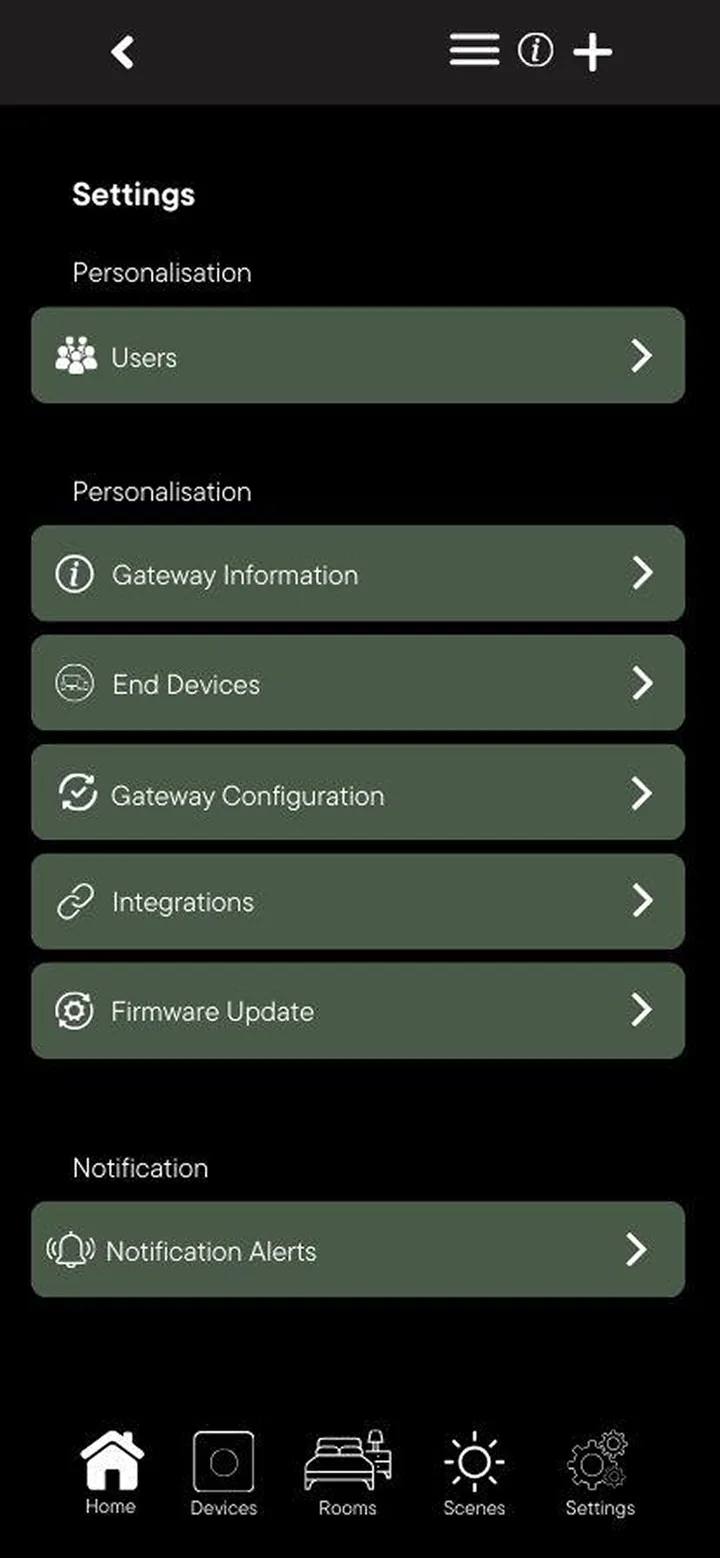
- Settings — before